
Prerequisites:
- PBS Deal is created in RL
- Catalogs are created in RL
| STEP | ACTION |
| 1. | Navigate to Rightsline. |
| 2. | Go to Data Tools.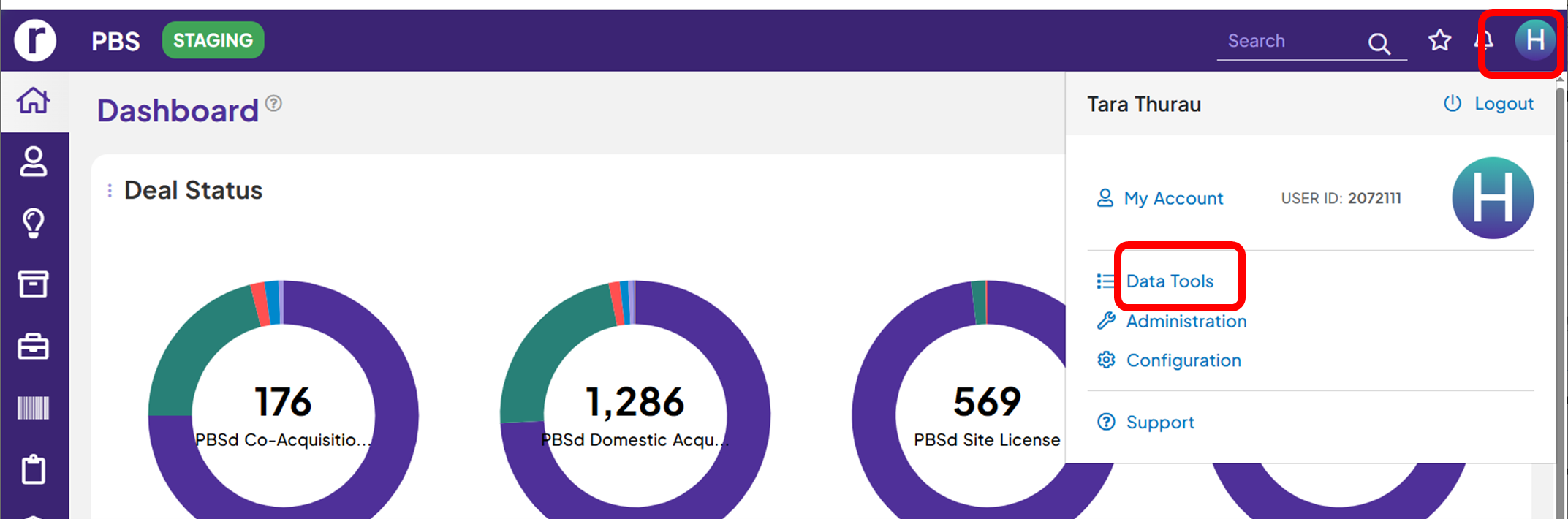 |
| 3. | Select Data Update.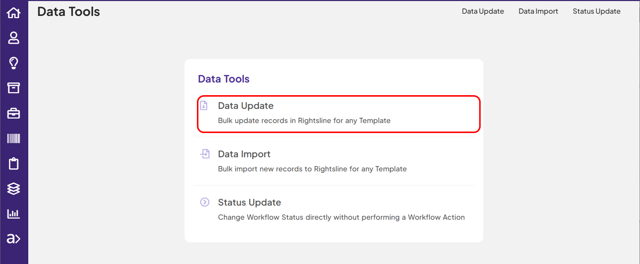 |
| 4. | Select Type.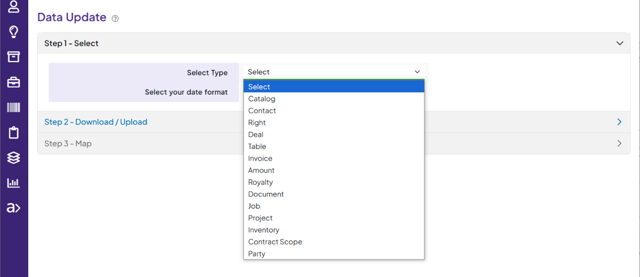 |
| 5. | Select Template.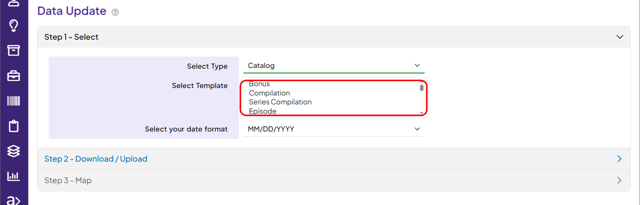 |
| 6. | Click on 'Download CSV Template' button.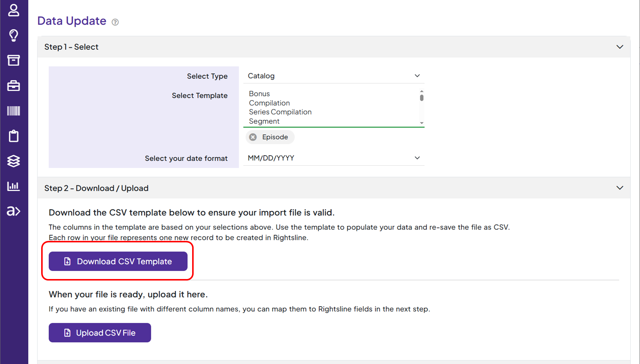 |
| 7. | Open the downloaded CSV file in Excel.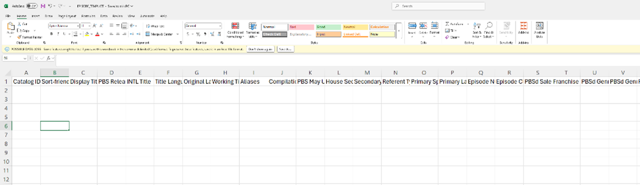 |
| 8. | Remove columns that do not need updates. Only keep the columns with data field name that requires updates. 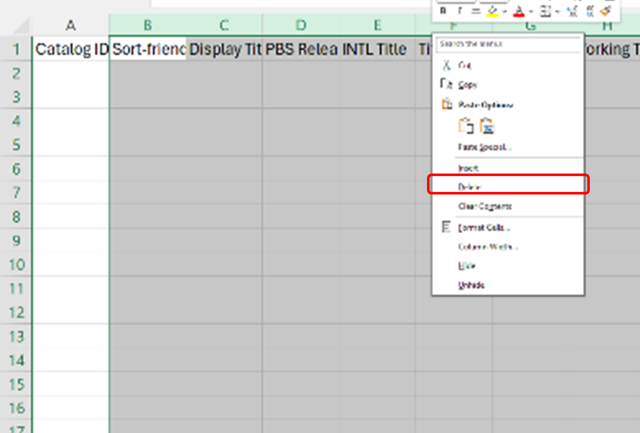 |
| 9. | Fill out the information and save the file.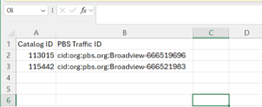 |
| 10. | Click on 'Upload CSV File' on the Data Update screen.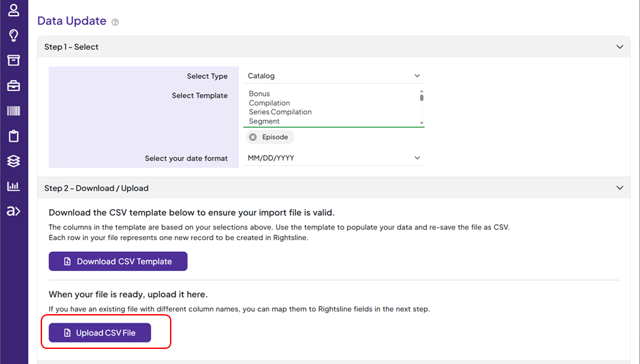 |
| 11. | Select the updated CSV Template file.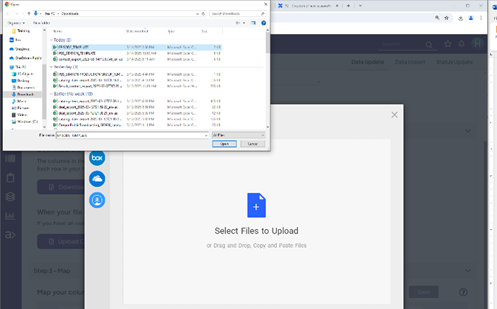 |
| 12. | Click on 'Upload.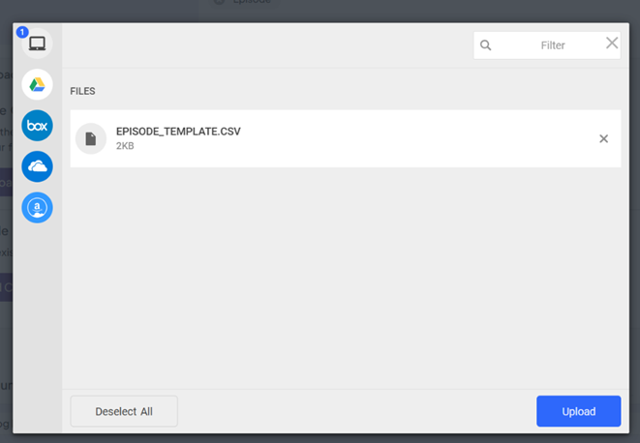 |
| 13. | Verify the column header and the RL field mapping is correct. Click 'Update' button.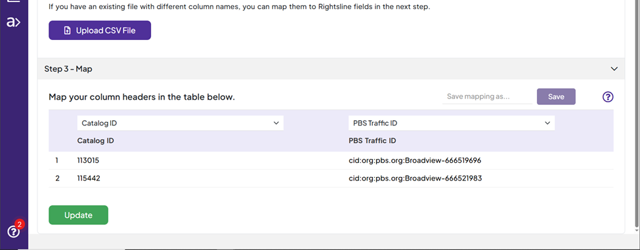 |
| 14. | Email is sent out from RL with the summary of the record update.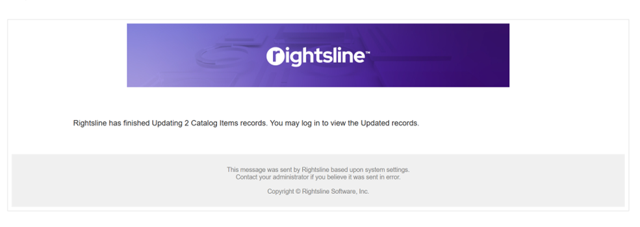 |