Rightsline : How to Create new PBS Edit to support ASL on existing episode/OTO from RL to downstream systems.
There are four main sections are - -
- Deal and Catalog already exist.
- Required fields to be populated
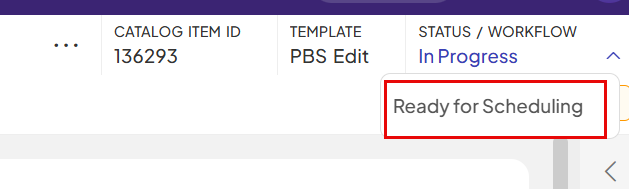
- Season status is set to “Ready for Scheduling”
- Program items and package per program item is searchable in downstream systems .
Create new pbs edit on existing episode/OTO. | ||
| Step/Actin | Result | |
| 1. |
| 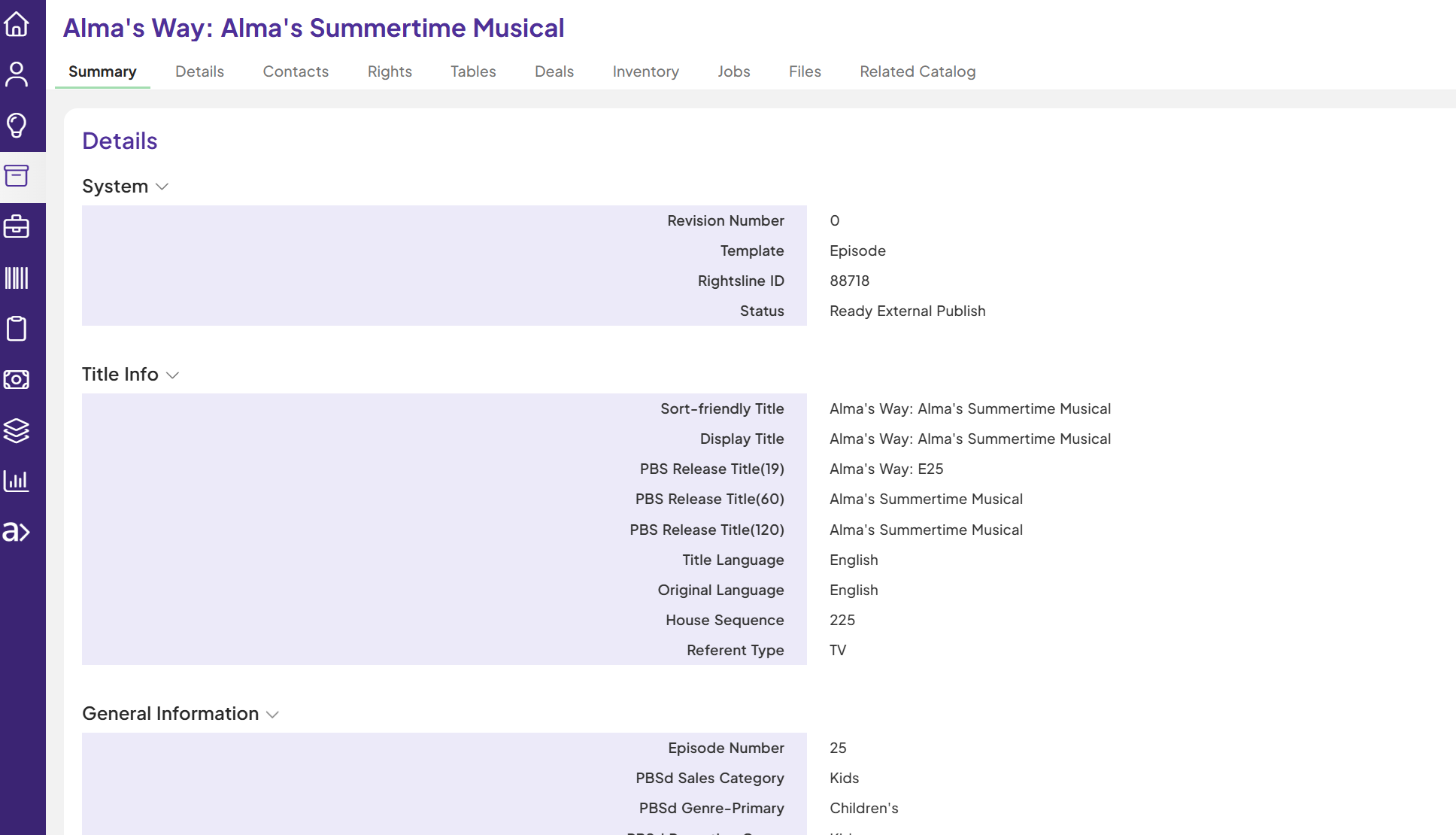 |
| 2 | Click on Related Catalog | 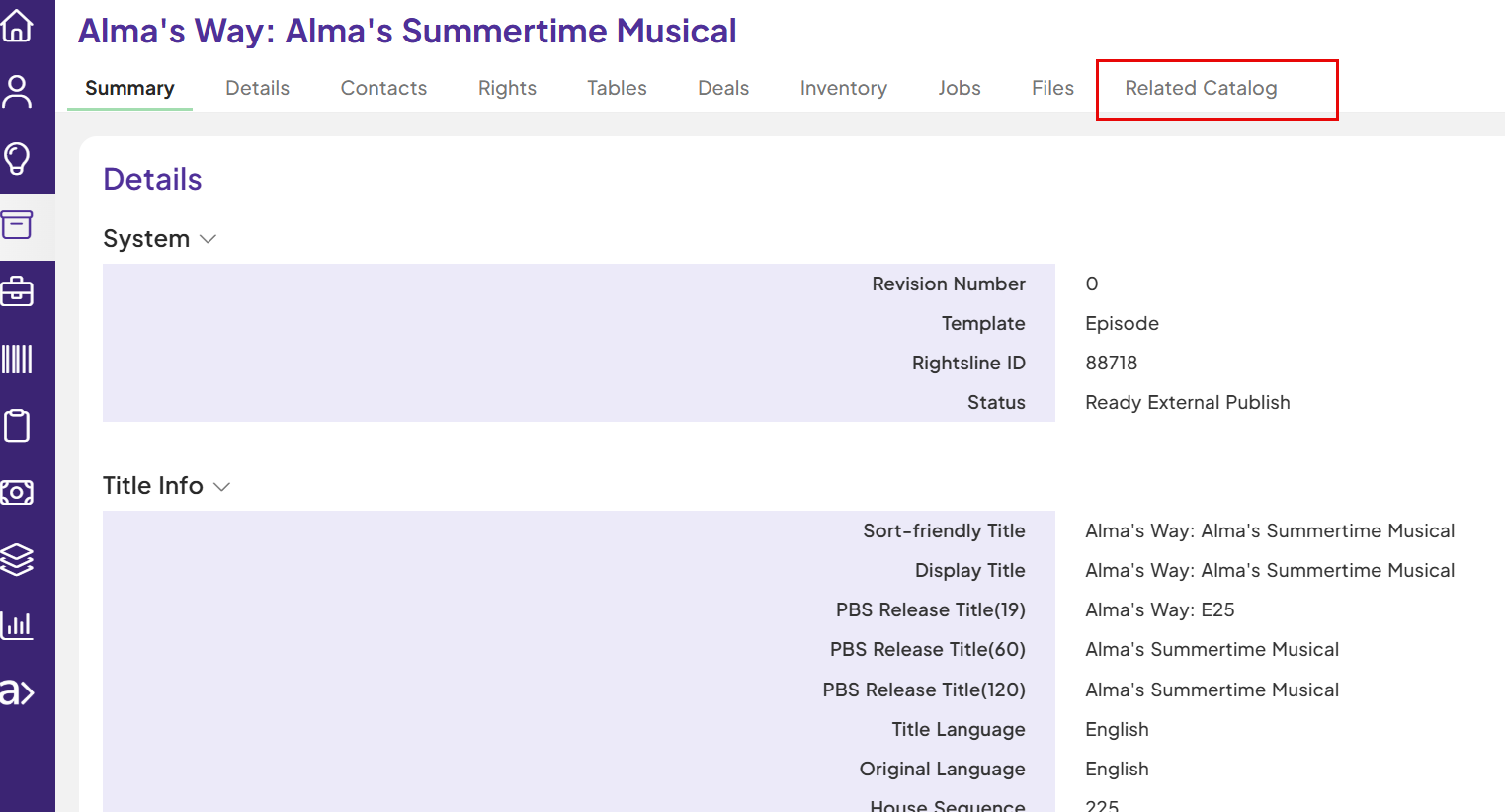 |
| 3 | Click on '+' sign | 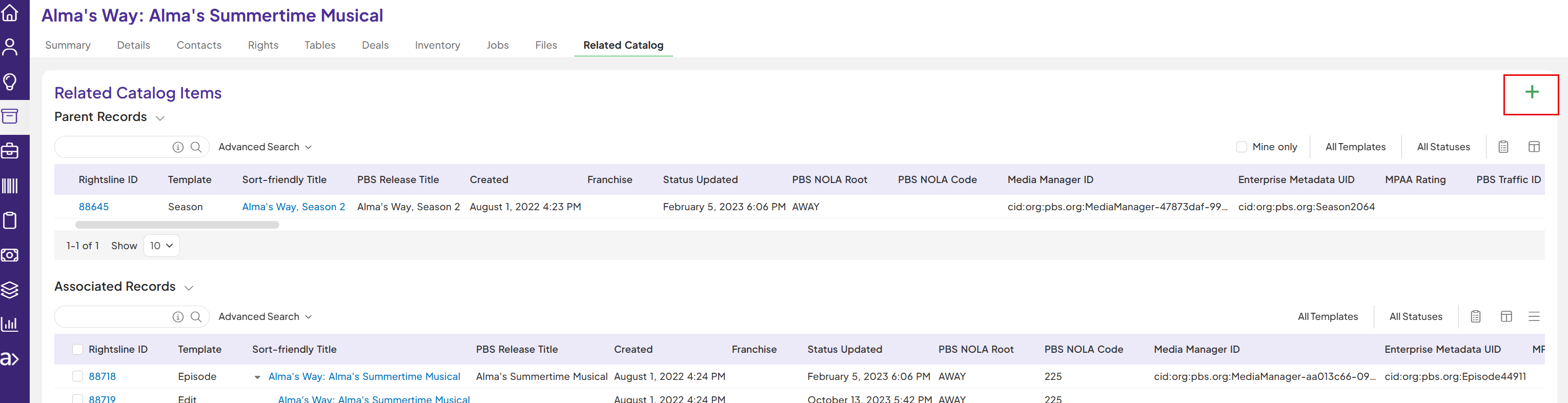 |
| 4 | Select 'Create new catalog item' and select template as 'PBS Edit' | 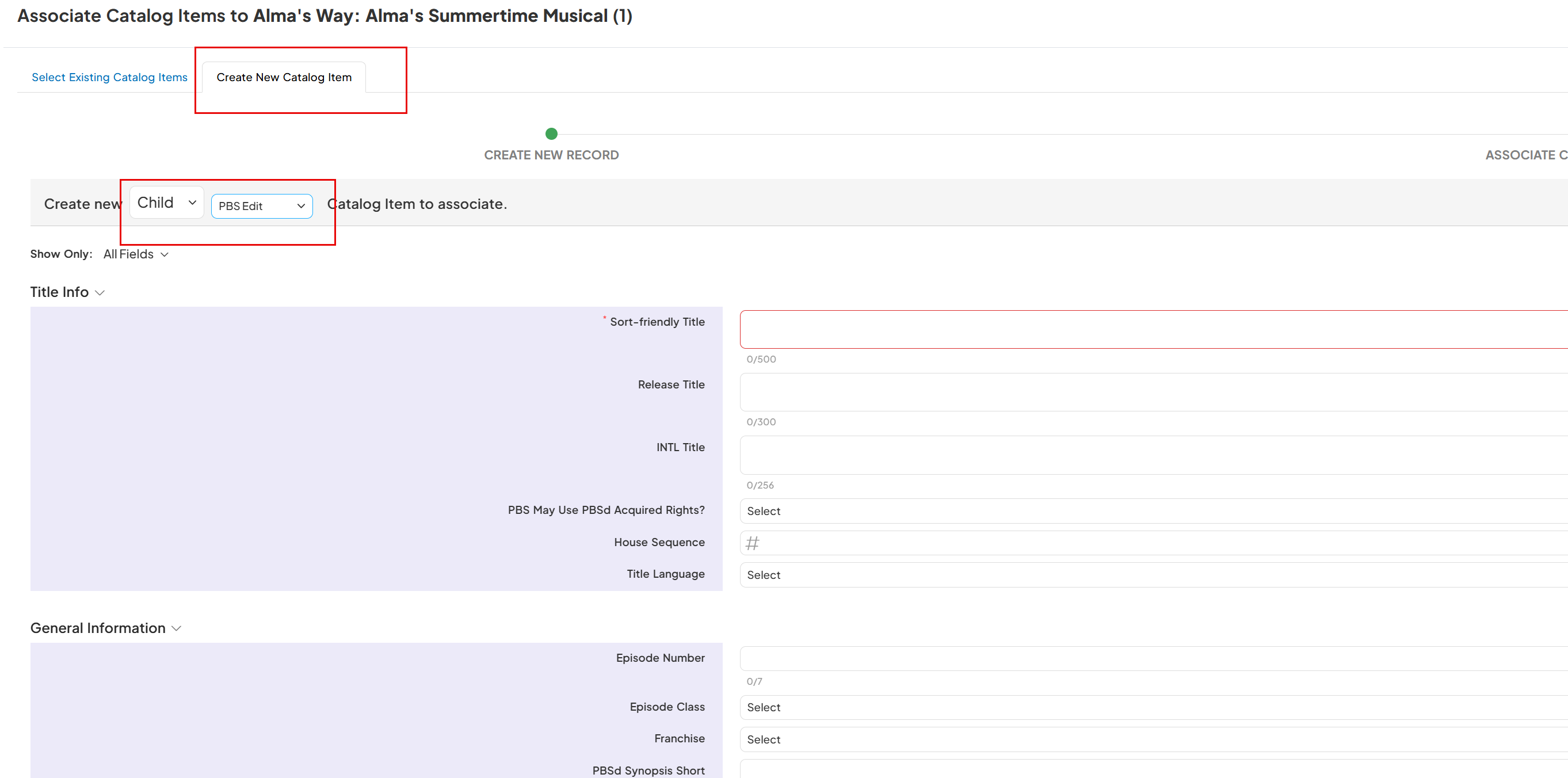 |
| 5 | Enter the values in PBS Edit required fields: Sort-Friendly Title- The episode title with article at the end Release Title- The full episode title with article at the beginning Edit Use- Add value as Web Edit Class- Add value as Substitutions Actual Length - as hh:mm:ss |  |
| 6 | Click on 'Save' | 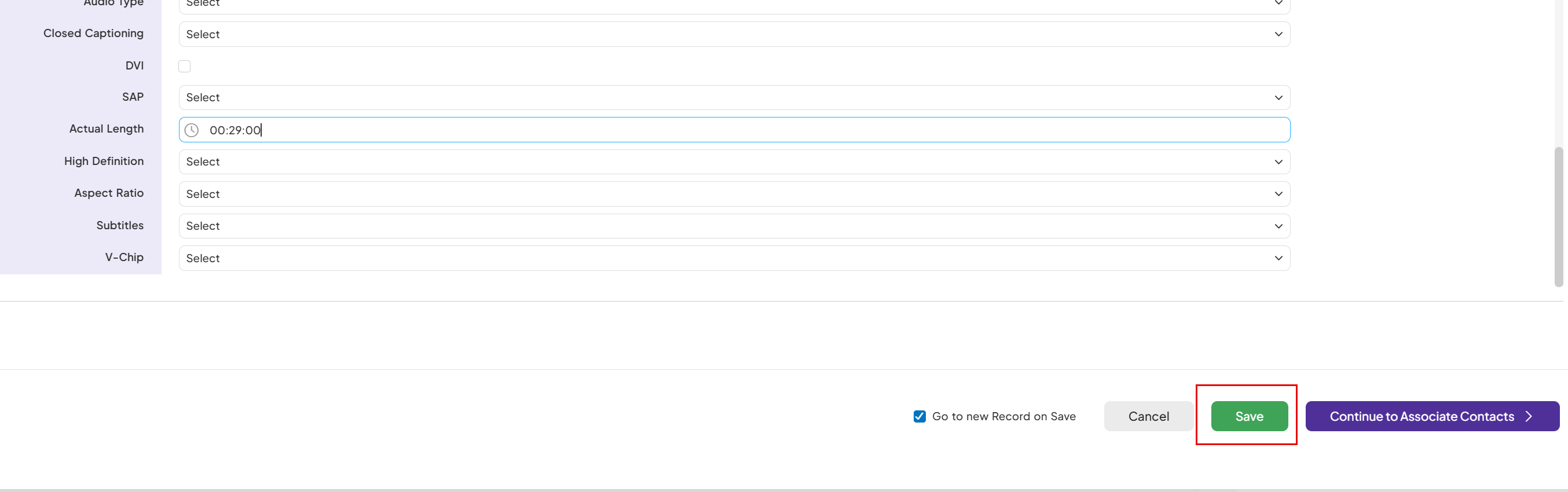 |
7 | Click on the pbs edit status and set to “Ready for Scheduling”. |
|
| After successful integration with downstream systems , it takes around 5-10 mins | |
8 | Metadata alert and Enterprise_metadata_uid is populated on the new pbs edit template. | 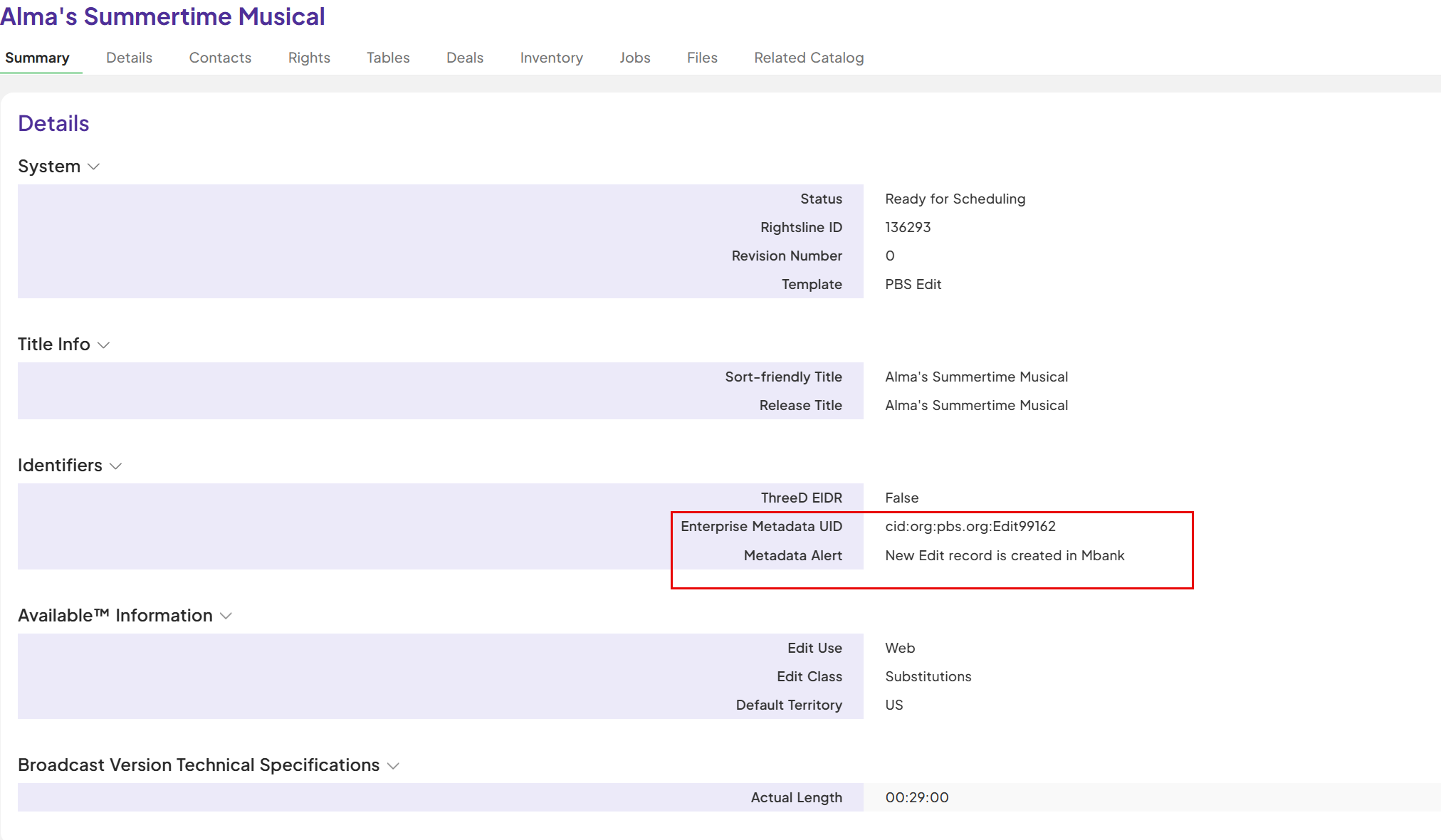 |