How to Create a segment
Prerequisites:
- PBS Deal is created in RL
- Catalogs are created in RL
- Segments are created in RL
These are the steps for this scenario:
- Deal and Catalog Information is searched and located.
- Required fields for segment are populated.
- Segment is associated to an Episode / Recut Episode, an OTO, or a Distribution Season.
Step/Action | Result |
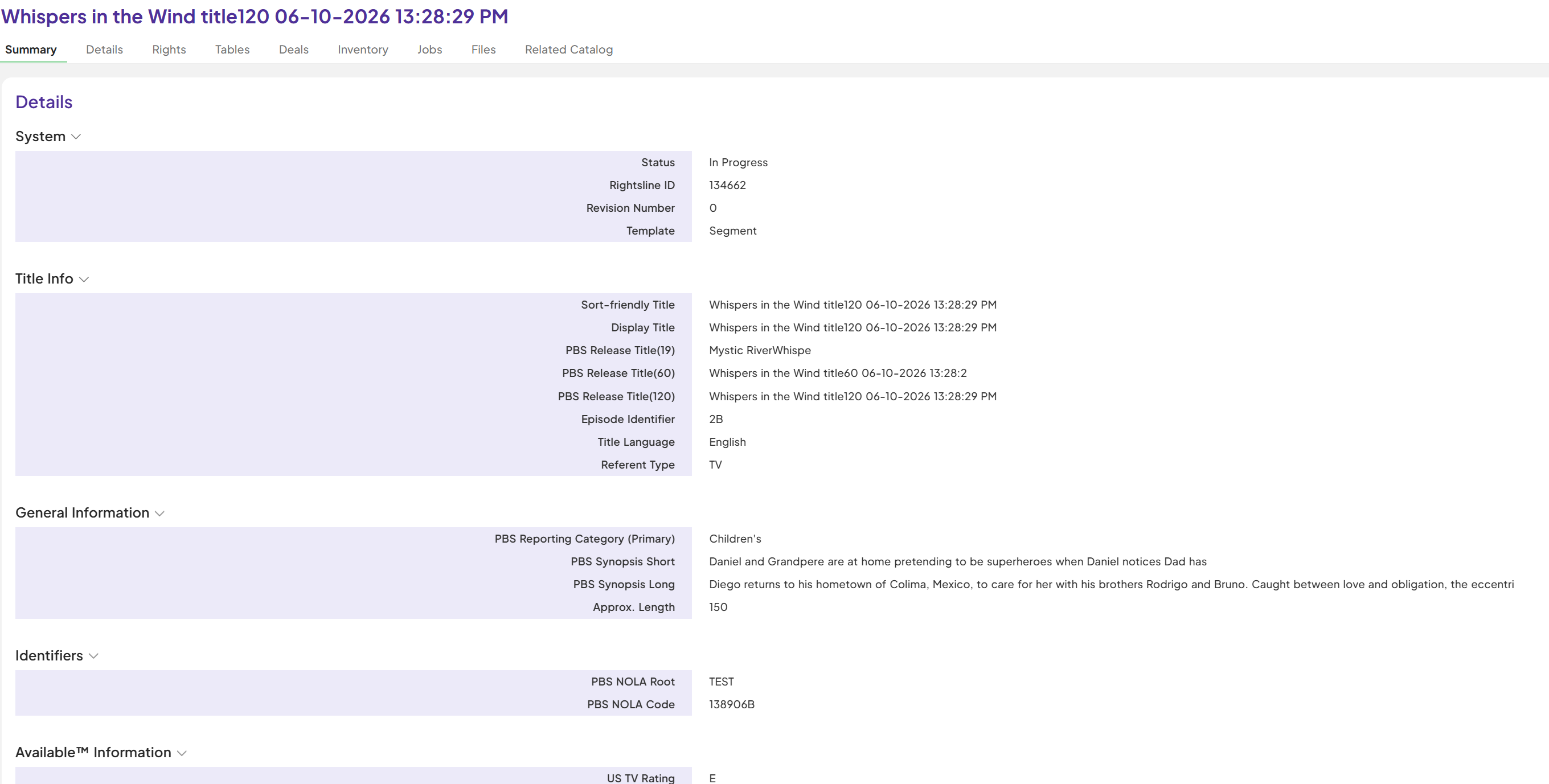
1. Open the desired catalog Episode / Recut Episode, an OTO
| Desired Catalog Summary screen displays.
|
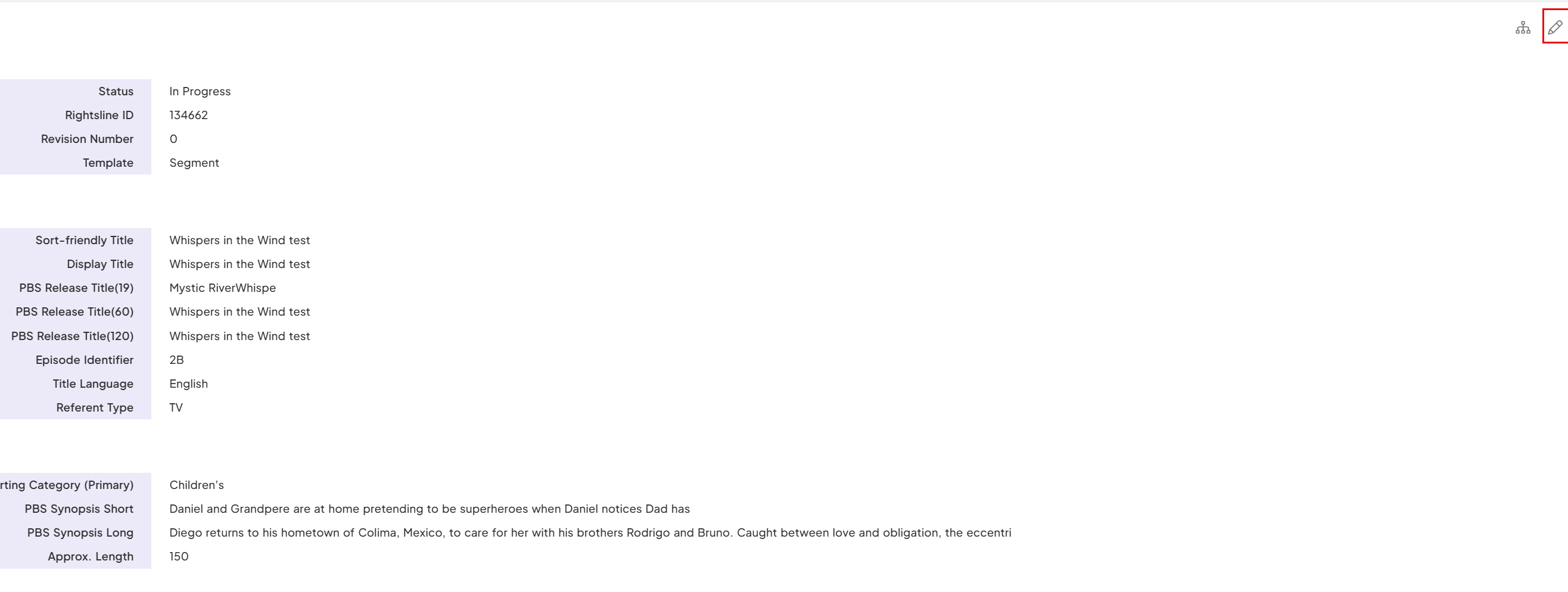
2. Edit any fields as per you like and Click 'Save'.
|
|
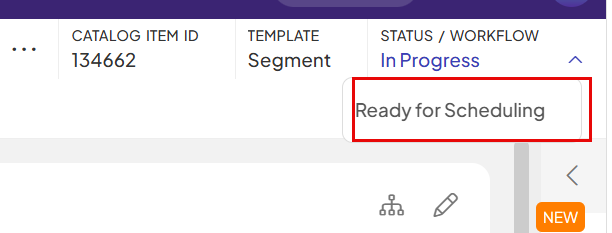
3. Update the status on the segment Record to "Ready for Scheduling" | |
| 4. Metadata alert and Enterprise_metadata_uid is added on Segment and PBS Edit . | 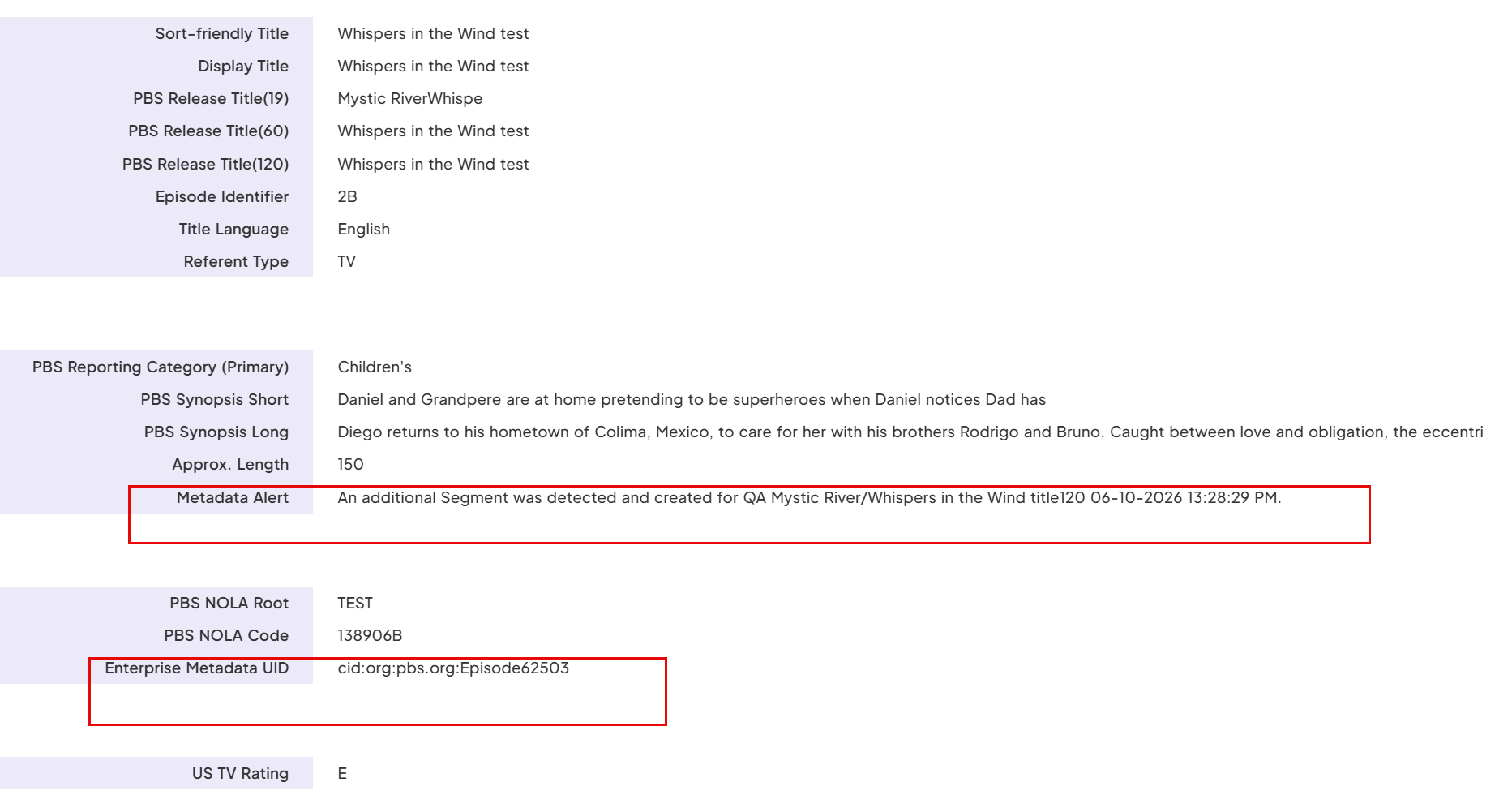 |
| If you want to update any fields after it is in downstream system. | |
| Use the step 2 for edit and any update will be send downstream systems. | 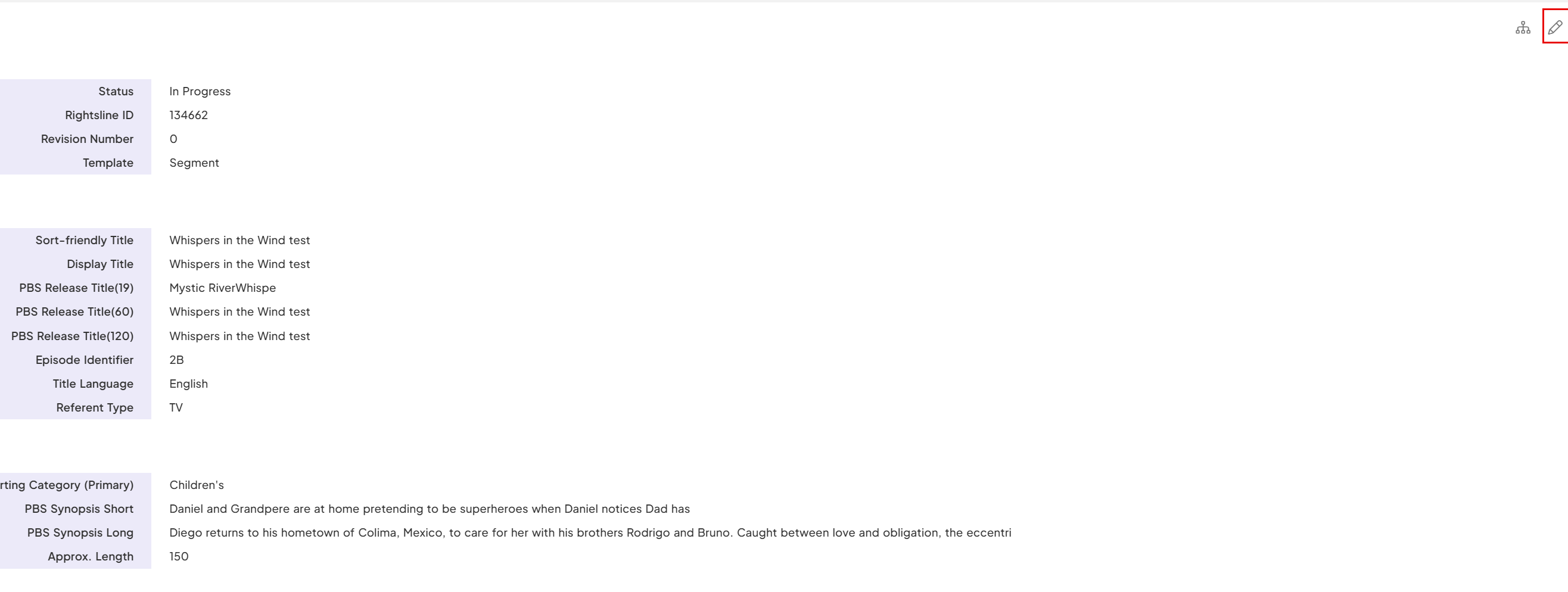 |
| If you want to create new PBS Edit for another version like shortened . For edit class and edit use definitions refer here - https://pbsus.sharepoint.com/:b:/s/RightslineUsers/IQCXWoaDkMExSIL0l9YPzSXuAZ-WMwPicToSs57qG7CkqPg?e=FEoxlY | |
| 1. Click on Related Catalog | 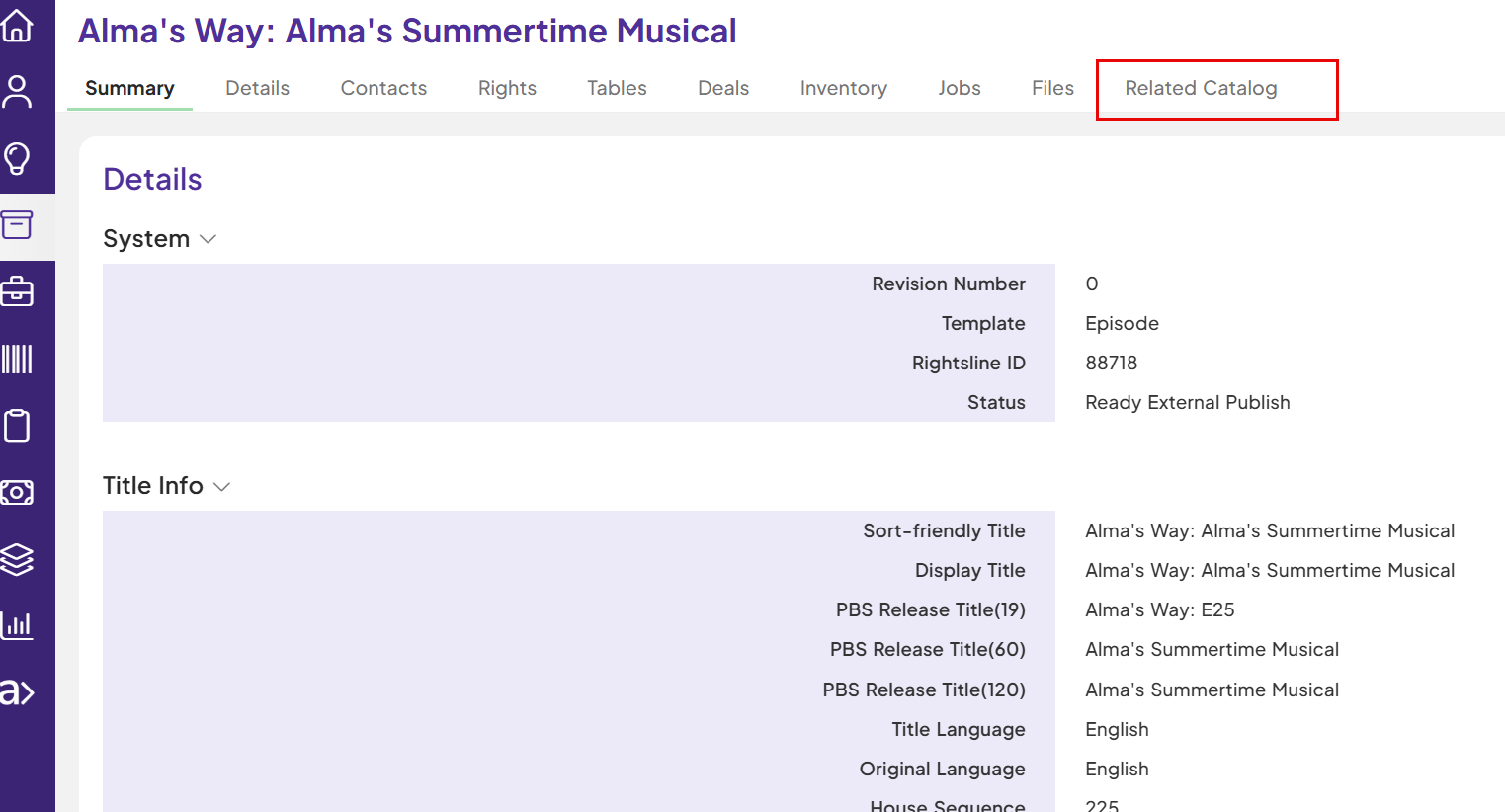 |
| 2. Click on '+' sign | 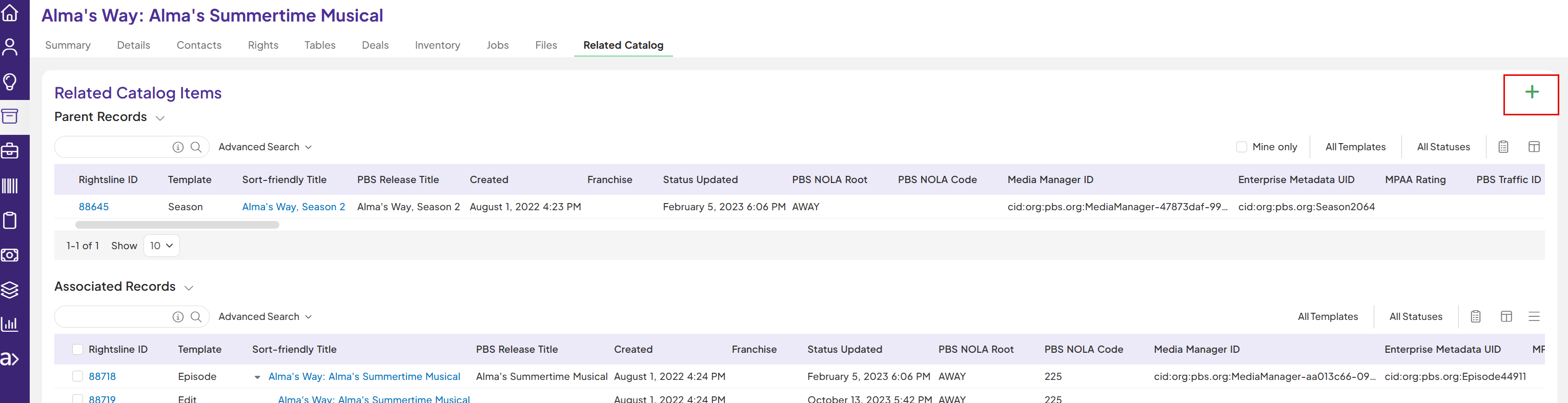 |
| 3.Select 'Create new catalog item' and select template as 'PBS Edit' | 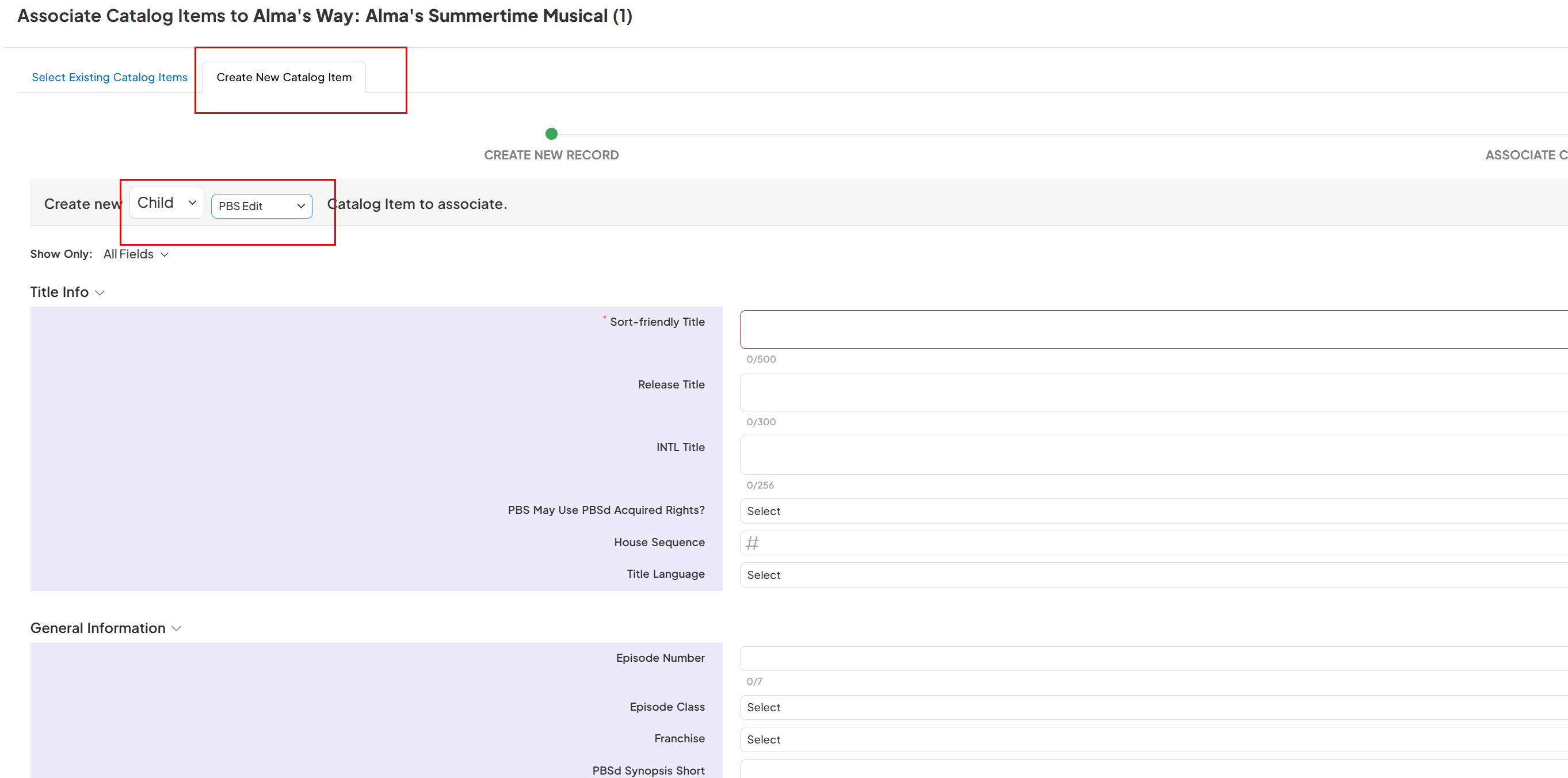 |
| 4.Enter the values in PBS Edit required fields: Sort-Friendly Title- The episode title with article at the end Release Title- The full episode title with article at the beginning Edit Use Edit Class Actual Length - as hh:mm:ss Click on 'Save' | 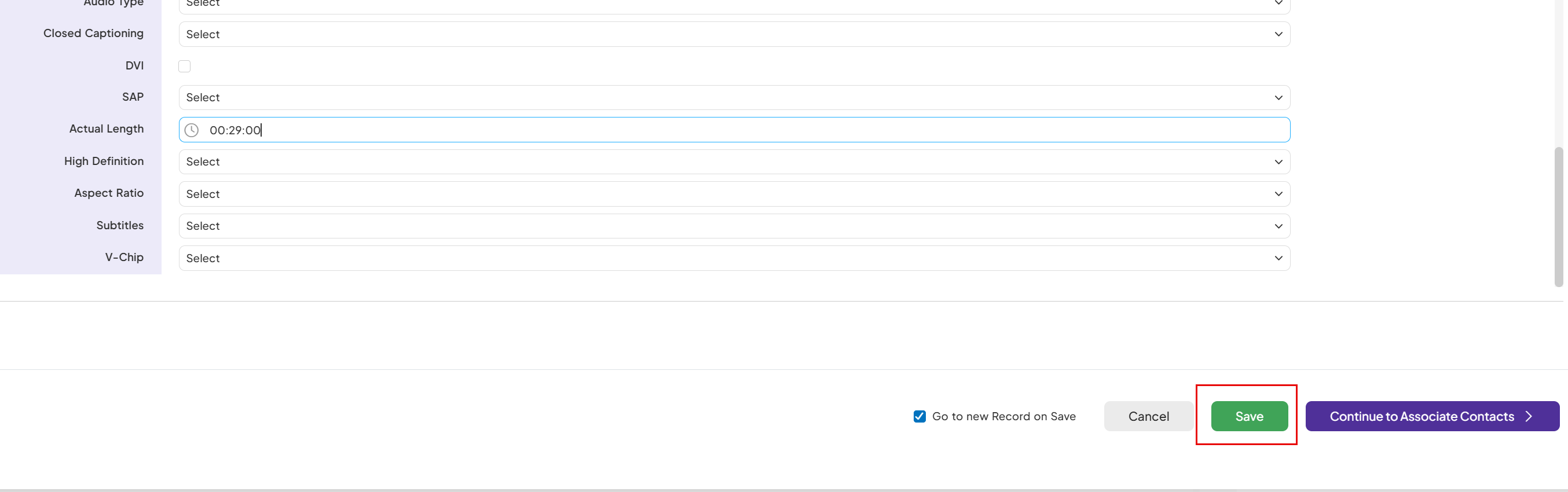 |
| 5. Click on the pbs edit status and set to “Ready for Scheduling”. | 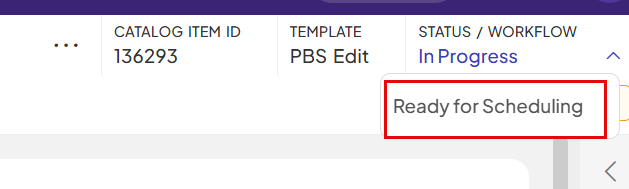 |
| After successful integration with downstream systems , it takes around 5-10 mins . 6. Metadata alert and Enterprise_metadata_uid is populated on the new pbs edit template. | 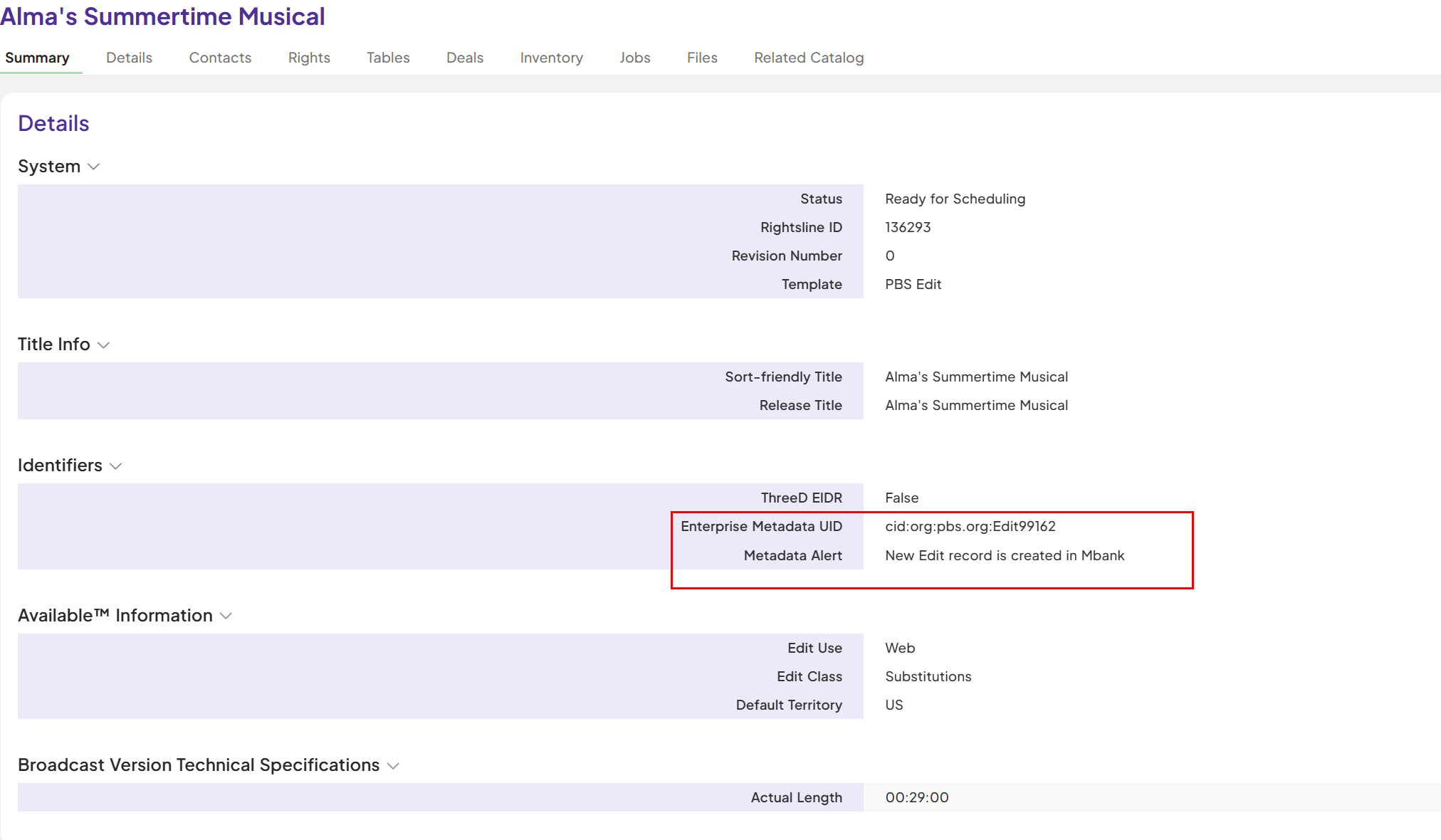 |